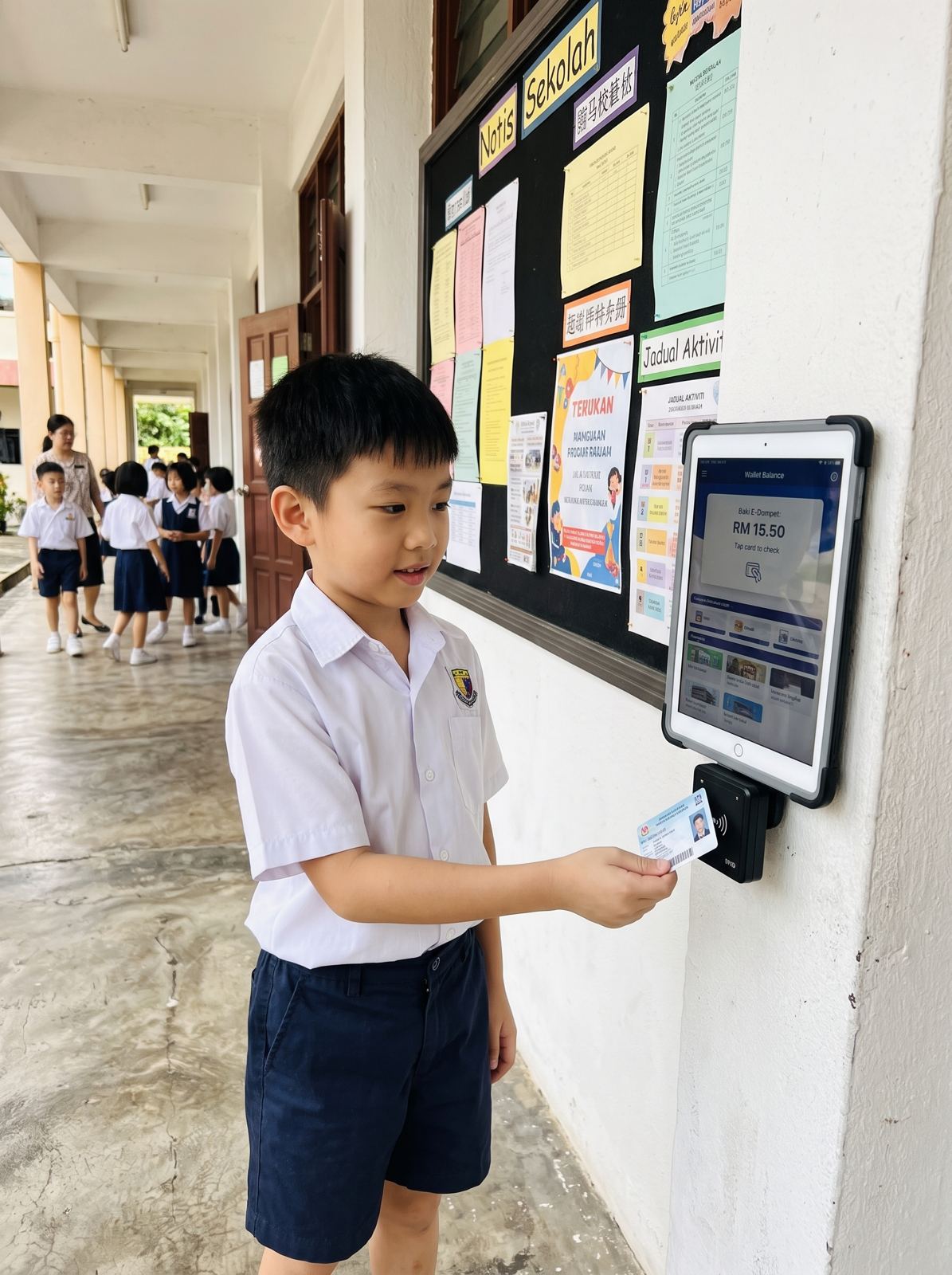
Choosing a school management system in Malaysia is a decision your school will live with for five years or more. The demo always looks good. What matters is how the system handles your fees, exams, parents and hardware on an ordinary Tuesday in March, and who answers the phone when something breaks.
This guide is written for principals, bursars and admin heads at private, international and Chinese independent schools. It covers what a modern school management software should do, the Malaysian requirements that global products often miss, how to switch from an old system, and the questions to put to every vendor before you sign.
1. Start with your school day, not the feature list
Vendors will show you a long list of modules. A better starting point is your own week. List the work your office and teachers do by hand or in spreadsheets today, then check each item has a home in the system.
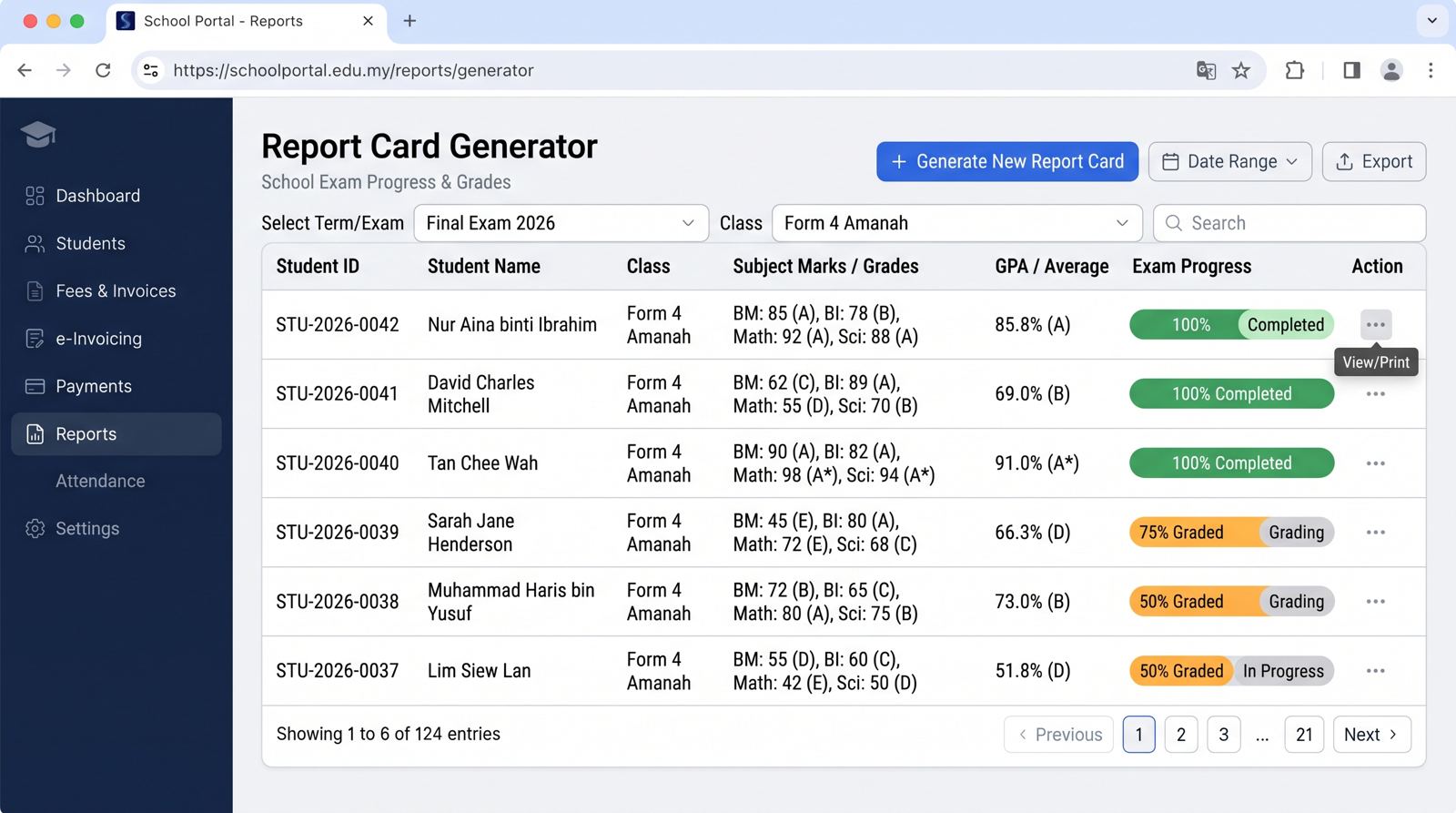
- Students and academics: student records, classes, syllabus, exams, grading, report cards, logbook, discipline, CCA
- Operations: student and staff attendance, staff records and timetables, online enrolment and entrance exams, library, hostel, assets
- Finance and parents: fee allocation and invoicing, accounting, e wallet, school e commerce for books and uniforms, broadcasts, meals and allergies
Anything left off the list becomes another spreadsheet, and another place where data goes out of date. A good school ERP covers the whole day in one system, so a student entered at enrolment appears correctly in the class list, the fee ledger, the canteen and the gate.
2. Malaysian requirements that global software misses
Many search results for school software are global products with "Malaysia" added to the page. Check that the system was built for how Malaysian schools actually run.
LHDN e Invoice
Private schools above the exemption threshold must validate fee invoices through MyInvois. The fee module should send invoices to LHDN (IRBM) and show each one's status. Our guide to cutting late fee payments explains the September 2026 threshold change.
Chinese language and independent school needs
独中 run large enrolments, hostels and a busy CCA calendar, and many staff and parents prefer Chinese. The student information system should support Chinese fully, not only in the menu.
International curricula
Cambridge and IB schools need online admissions and report cards that match their own grading. Check that report cards can be configured, not only chosen from a fixed template.
3. The parent app is half the product
Parents judge the school system by the app on their phone. Ask whether the app shows live data from the same system or a copy synced overnight. It should cover announcements, results, attendance, fees, e wallet top up and canteen spending.
Newer systems add an AI chat, so a parent can ask "was my child marked present today?" or "how much did she spend this week?" and get an answer from school records. Every question answered in the app is one fewer call to the office.
4. Ask who supplies the hardware
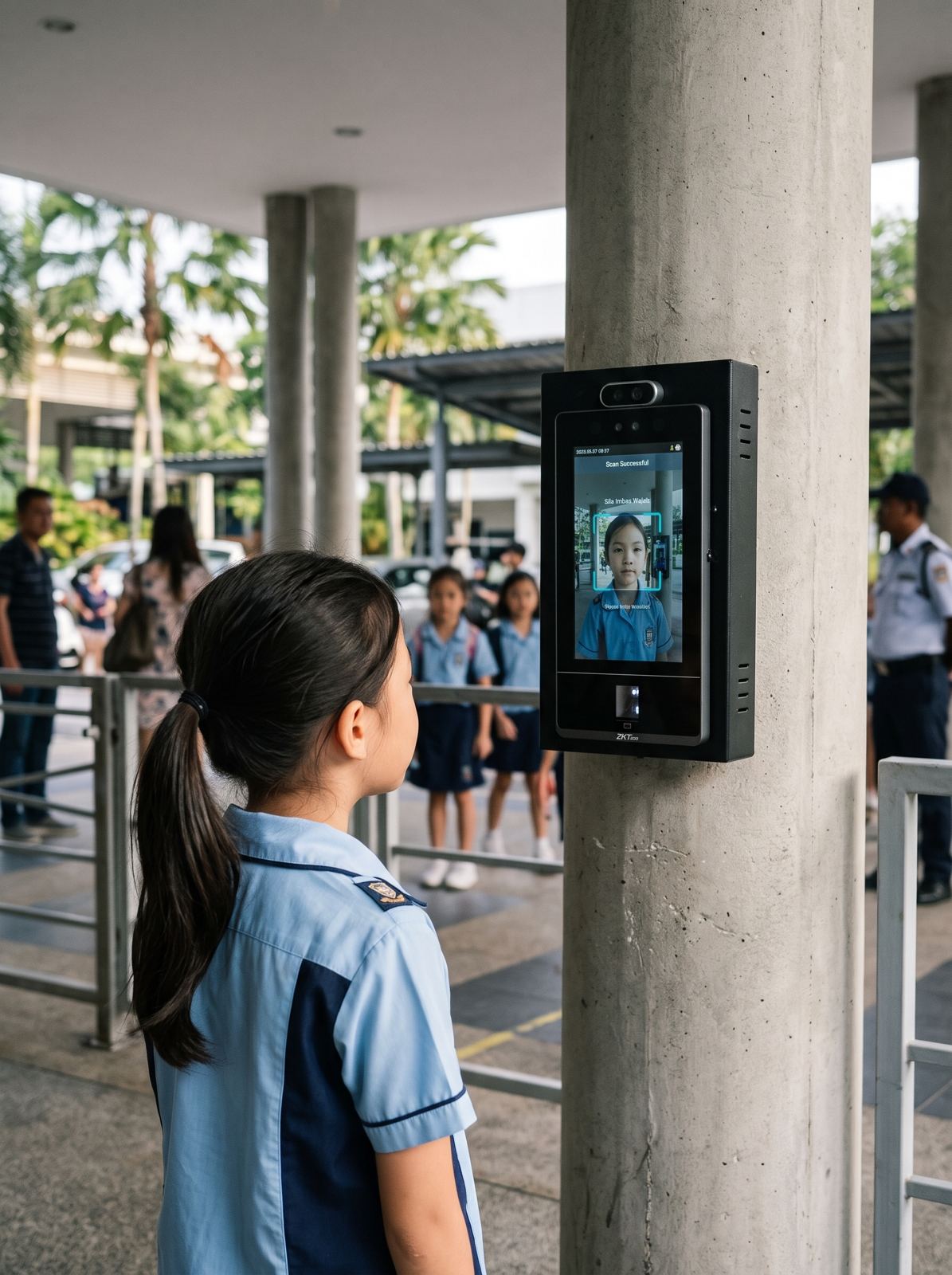
A school system rarely works alone. Attendance needs gate readers or kiosks. The cashless canteen needs POS terminals and student cards. Announcements and timetables can show on Interactive Smart Panels. If one company sells the software and three others supply the hardware, every fault turns into a debate about whose fault it is.
Ask each vendor whether they supply, install and support the hardware too, and whether it reads from the same student record. One contract and one support line is far easier to manage.
5. Switching from an old system
Most schools are not choosing their first system. They are replacing one that is slow, unsupported or no longer fits. The risk is not the new software; it is losing records or confusing staff in the middle of a term.
- Ask who migrates student, staff and fee records, and how they check nothing is lost
- Plan go live for a term break, not exam season
- Train admin, teachers and canteen vendors separately, since each uses different screens
- Keep the old system readable for a few months after go live
Our customers report around 40% less time on admin work once records live in one system. That only happens if the move is planned well.
6. How pricing works
Most school management systems in Malaysia are priced per student, based on school size and the modules you switch on. Hardware such as cards, readers, kiosks and POS is quoted after a site survey. Ask for both in one proposal so you compare the full cost, not only the licence.
Our own system is powered by Skribble Learn, with 21 modules and installs at schools from around 600 to 4,000 students. You can see every module on the School Management System page.
7. Data security and who owns the records
Student records include names, photos, addresses, health notes and payment history. Under the PDPA the school is responsible for how that data is kept. Ask where the data is hosted, whether your school's data is separate from other schools, who can see it, and how you get a full copy if you ever leave.
A cloud system where every school has its own app and servers keeps your data isolated. It also means updates arrive without your IT team installing anything.
8. Support after go live
The first month after go live decides whether staff trust the new system. Ask how support works: a named team or a ticket queue, local hours or overseas, and how fast a fee or attendance problem gets fixed during term. Ask to speak to a current client school of a similar size and type.
A simple way to compare
Score each shortlisted system from 1 to 5 on the same six points: coverage of your school day, Malaysian requirements, parent app, hardware, migration, and support. Weight them by what hurts most today. A system that scores well on all six will usually beat one that only wins on price.
9. Red flags in a vendor demo
- Every answer is "we can customise that", with no price or timeline attached
- The parent app is shown from a slide deck, not a live login
- Nobody can say who will migrate your data, or how
- Hardware is "handled by our partner", with no names
- No client school of a similar size you can call
None of these rule a vendor out on their own, but two or more together usually mean the rollout will cost more and take longer than the proposal says.