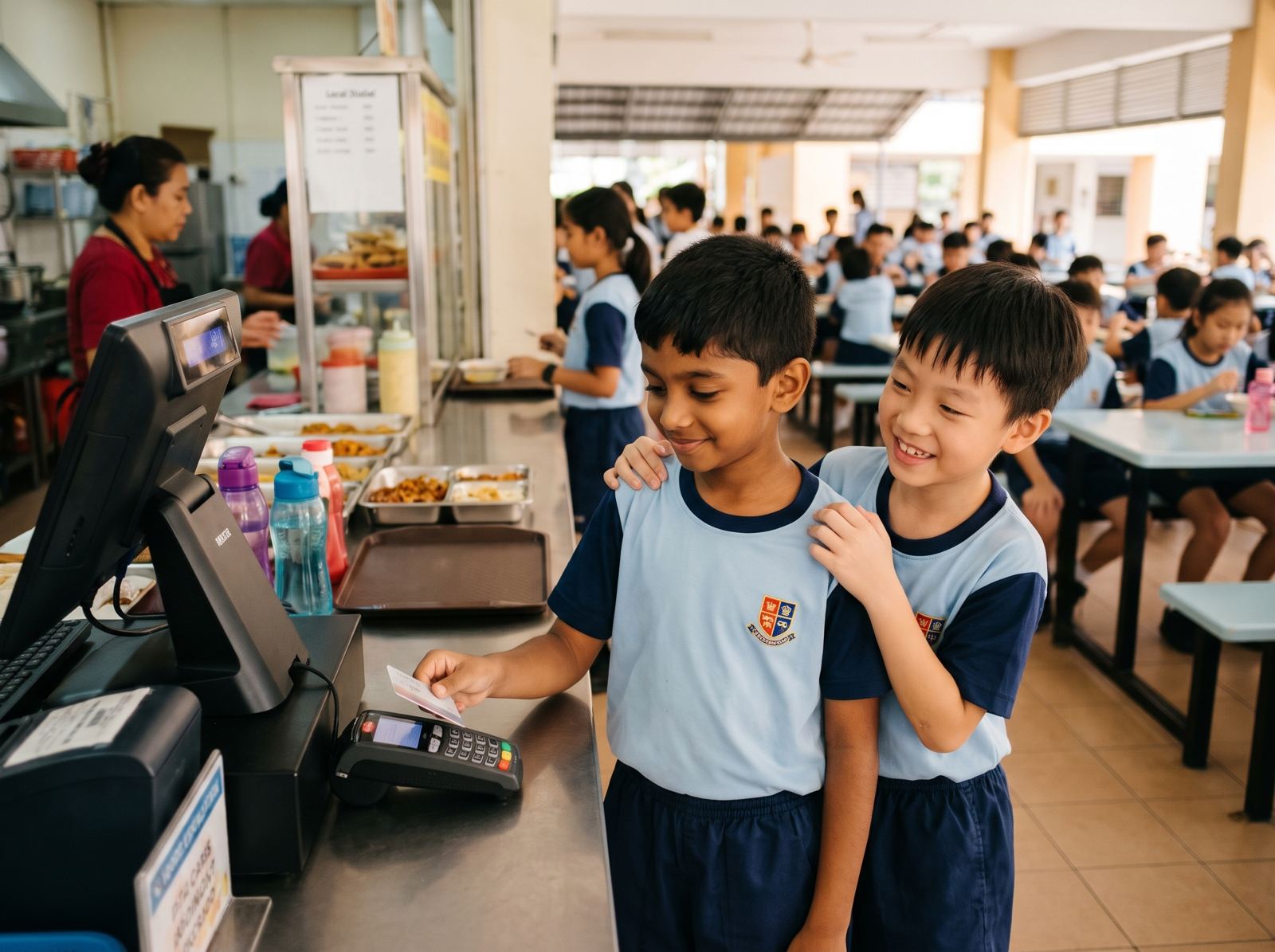
A cashless canteen system lets students pay at the school canteen with a card tap or face scan in under 2 seconds, while parents top up an e wallet and see every purchase in an app. For schools, it means shorter recess queues and clear sales reports for every stall. This guide explains how it works, what it costs, and how to answer parents.
How a cashless school payment works
There are four parts, and each one depends on the same student record in the school system.
- Top up. Parents add money to their child's school e wallet in the parent app. Students and staff can have wallets too
- Pay. At the stall, the student taps a card or uses a face scan at the canteen POS. No cash and no phone
- See. Each purchase appears in the parent app straight away
- Report. The school sees sales by vendor on one dashboard, whether there is one stall or many
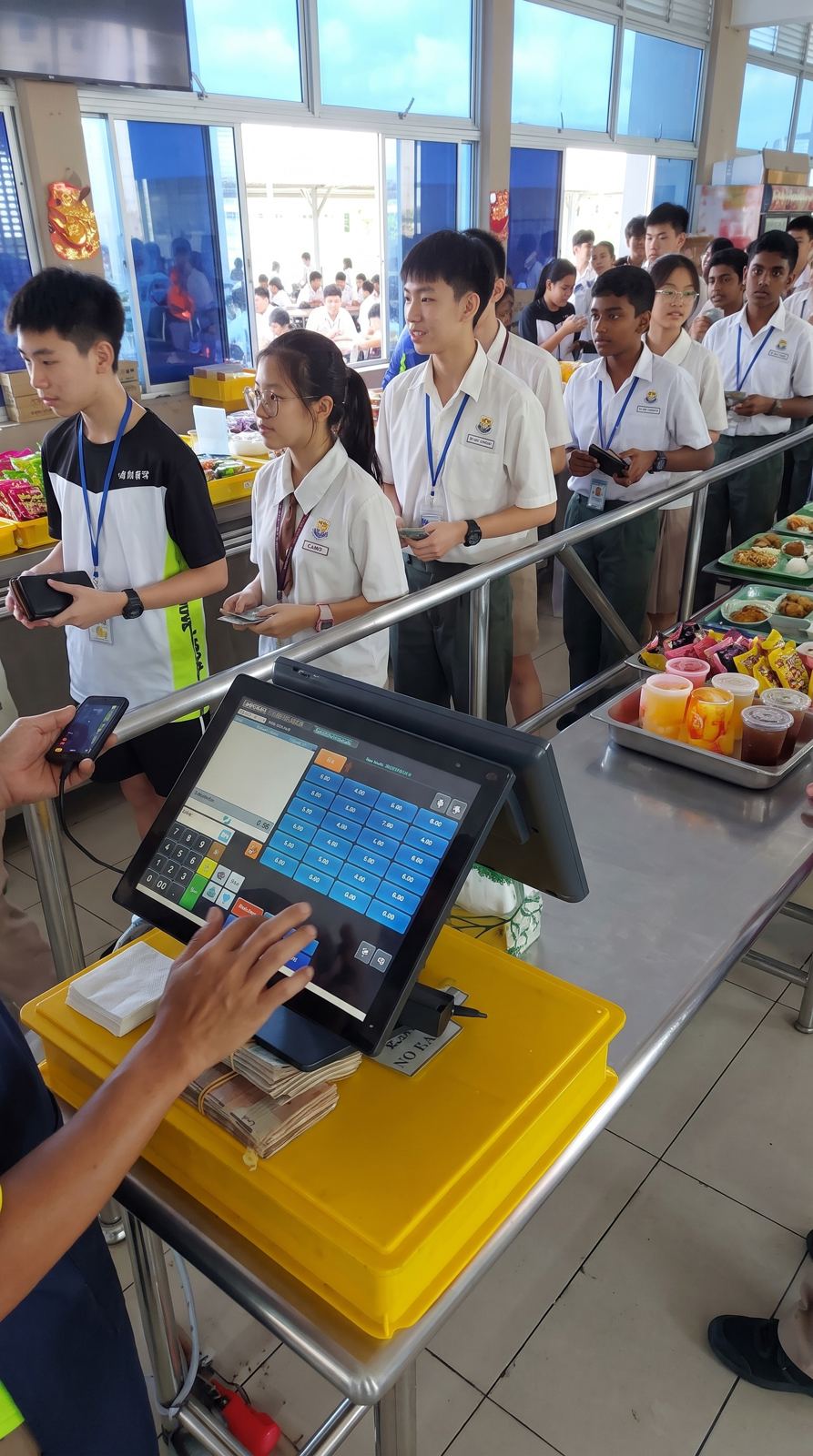
Because payment takes under 2 seconds, a queue of a hundred students moves much faster than with cash and change.
What the school needs
Software
A cashless canteen module inside the school management system, with the parent app and e wallet. If the canteen system is separate from the school system, student lists have to be kept in two places.
Hardware
- A canteen POS terminal and receipt printer for each stall, set up for card and face payment
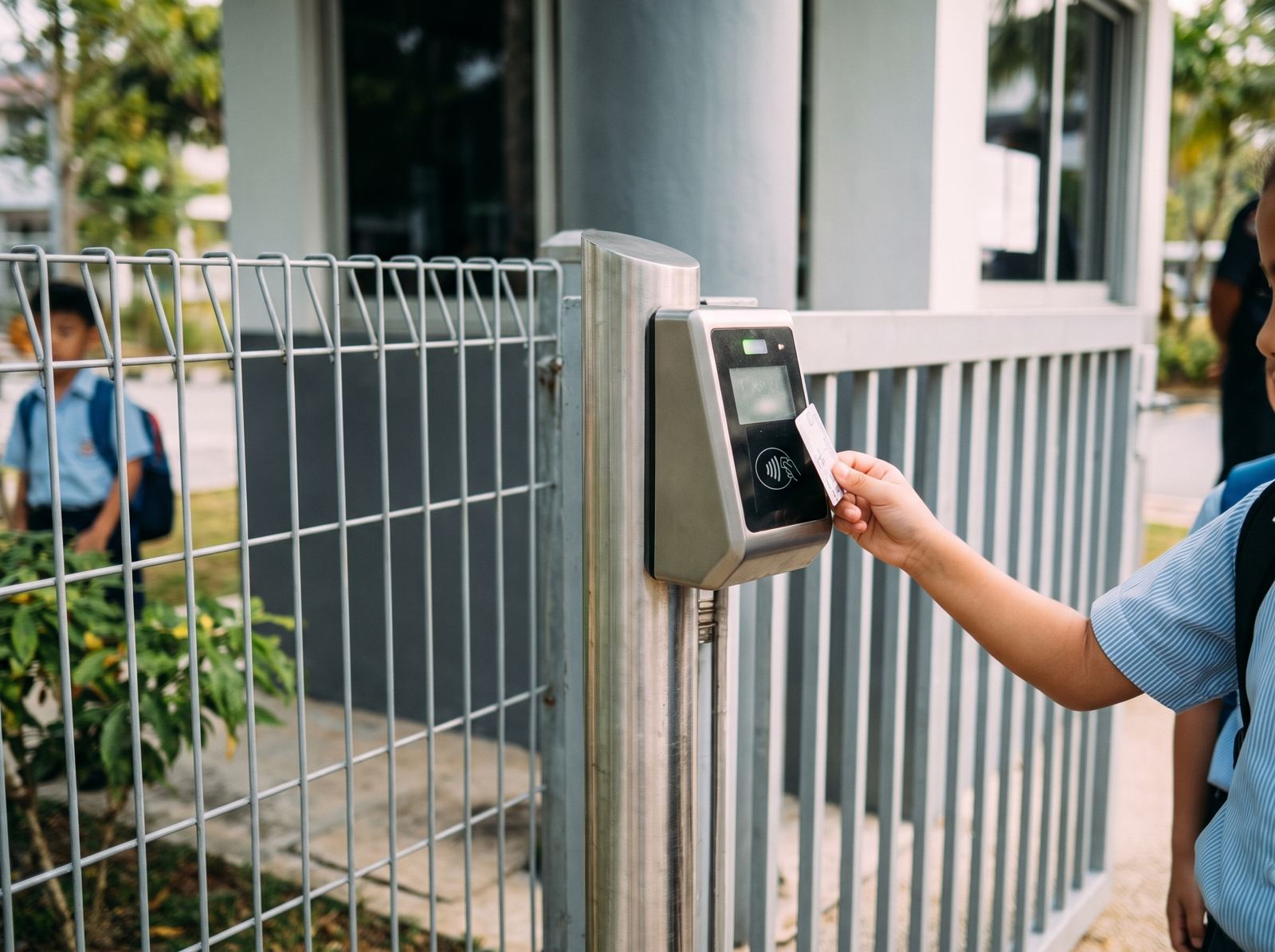
- RFID or NFC student cards, ideally the same card used at the gate and library
- A balance checker kiosk near the canteen, on an iPad or PC, so students can check what is left without a phone
All of it should be installed, set up and supported by the same team. See the Access Cards and Kiosks page for the card and kiosk options.
What it costs
Cost depends on the number of students, the number of stalls and the hardware you choose. Most schools pay for the software per student, and for hardware once. Ask for one proposal that covers the module, POS, cards and kiosk together, so nothing is left out. The Smart Canteen package groups all of these.
Going live without chaos
- Brief parents first. Send a short guide on how to download the app and top up, two weeks before launch
- Train each vendor. Each stall should practise on the POS before the first real recess
- Issue cards early. Every student and staff member should have a working card before day one
- Run a soft launch. Keep a cash fallback for the first week while everyone gets used to it
What parents ask
Does my child need a phone?
No. Students pay with their student card or a face scan. Only parents use the app.
Can I see what my child buys?
Yes. Every purchase appears in the app with the stall and the time. Parents can also pre order meals so their child skips the queue.
What about allergies and diets?
Diets, allergies and medication status are saved against each student, so the school has them on record.
Is the money safe?
Top ups go into the school e wallet, not to individual vendors. Parents can check the balance any time, and children can check it at the kiosk.
What happens if a card is lost?
[CONFIRM: how a lost card is blocked, how the balance is protected, and how a replacement is issued]
Does it work across the school?
Yes. The same e wallet can pay for books, uniforms and other school items, not just the canteen.
What schools see after launch
Shorter queues are the first thing staff notice. After that, the vendor reports matter most: the school can see what sells, at which stall and when, without collecting paper records. Parents stop sending loose cash, and the school office handles fewer questions about money.
Choosing a cashless canteen system
Several products promise cashless school payment. The differences show up after launch, so compare them on these points.
Is it part of the school system?
A canteen system that runs separately needs its own student list, and someone has to keep it up to date when students join or leave. Inside the school system, a new student is ready to pay at the canteen the day they are enrolled.
Does it work without a phone?
Many schools do not allow phones during school hours. Card and face payment mean students never need one. Only parents use the app.
How fast is each payment?
Recess is short. Ask to see a payment at the POS, start to finish. Under 2 seconds per student keeps the queue moving; anything slower adds up across a few hundred students.
Can vendors see their own sales?
Stall operators want to know what sold and when. A system that reports sales by vendor saves the school from collecting paper records, and makes payouts to each vendor straightforward.
Who supports the hardware?
If the POS or a card reader stops working at 10am, the school needs one number to call. Ask whether the same team that supplies the software also installs and supports the POS, cards and kiosk.
Building good money habits
A school e wallet is also a teaching tool. Children see that money runs out, parents can talk about spending with real numbers, and older students can manage their own balance. Some parents give a weekly top up and let their child plan how to use it. The spending history in the app makes those conversations easy.
A note for canteen vendors
Vendors sometimes worry that cashless means slower payouts. In practice, sales are recorded automatically, so the school can pay each vendor from the report rather than counting cash. Agree the payout schedule with vendors before launch, and show them their own sales report on the first day.
Keeping the system running
After launch, three habits keep a cashless canteen healthy: check the vendor report weekly, replace lost cards the same day, and remind parents to top up before long weekends and exam weeks, when balances run low. A short message from the school through the app is usually enough.